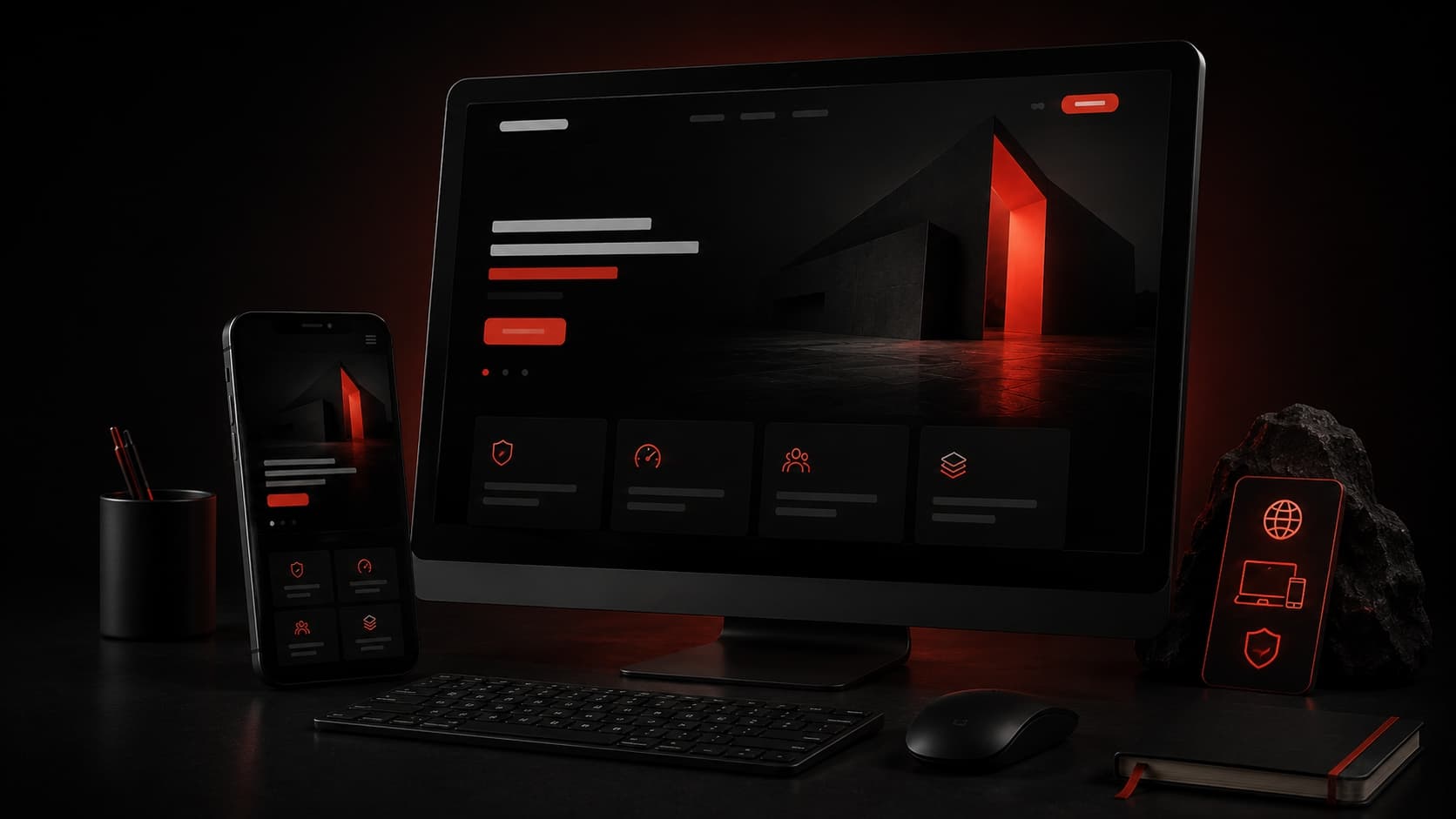
What makes a business website feel premium and trustworthy
Premium websites build trust through clear messaging, speed, structure, and polished responsive details.
A premium website is not only about animation or large visuals. It feels trustworthy because the message is clear, the hierarchy is calm, the pages load quickly, and every section supports a real decision.
For software companies and service businesses, users need to understand what you do, who you help, what proof you have, and how to start a conversation without friction.
Visitors make quick judgments. If the first screen feels confusing, slow, or generic, the business can lose trust before the visitor reads the service details.
A premium website uses structure as much as style. It guides attention, answers objections, and keeps the brand looking reliable on every screen size.
“Trust is built through clarity, speed, and consistent details.”
Key takeaways
What you should remember
Premium design starts with clear positioning, not decoration.
Mobile layouts must feel intentionally designed, not compressed.
Fast loading and clean content structure directly support trust.
Every section should answer a buyer question or reduce friction.
Premium website signals
A focused hero section with one clear offer
Strong service pages with practical outcomes
Real project proof and specific capabilities
Responsive layouts that feel designed on mobile
Details that improve conversion
Clear contact actions above and below key sections
Proof points such as results, process, and capabilities
Readable spacing, contrast, and typography
Short copy that explains business value quickly
Write the homepage like a sales conversation
A good homepage moves from offer to proof to action. It should not force users to guess what the business provides.
Explain the service category in the first screen.
Show who the service is for and what problem it solves.
Use service sections, process blocks, and proof areas to answer common questions.
Build speed and credibility together
Performance is part of the brand experience. A slow website can make even a strong company feel less professional.
Use optimized images and avoid unnecessary heavy effects.
Keep layout shifts low so pages feel stable while loading.
Add metadata, headings, and internal links for stronger technical SEO.
Practical checklist
Use this before you build
Hero offer is clear in one sentence
Services explain outcomes, not only tools
Contact path is visible and simple
Images are optimized for fast loading
Mobile spacing and text sizes are polished
SEO title, description, and headings are ready
Next steps
How to move forward
Audit the homepage message and remove vague copy.
Improve service sections with specific outcomes and proof.
Test the full site on mobile before publishing updates.
Need help?